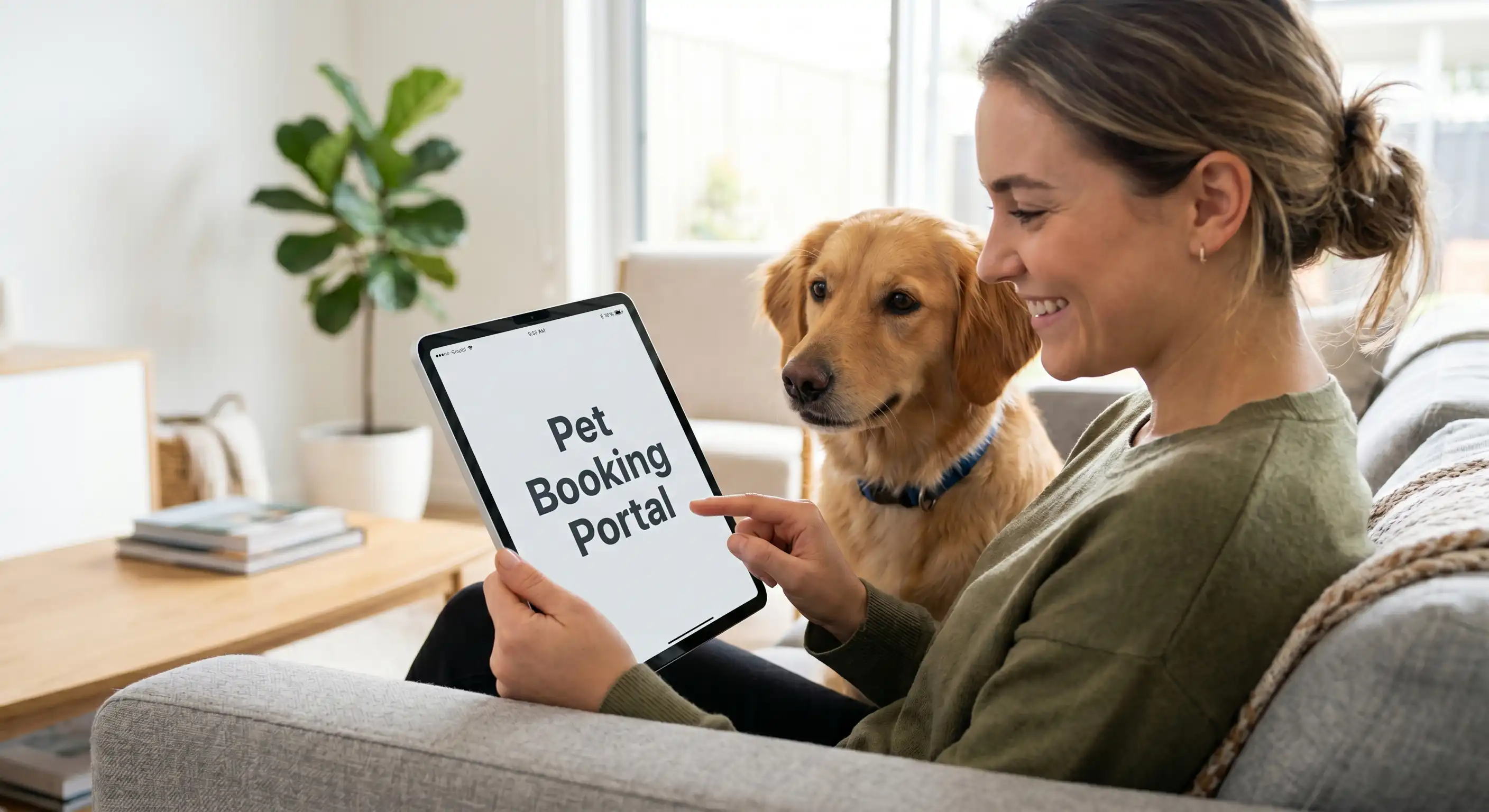
Quick Answer
We now have a brand new Customer Portal where you can log in, request bookings, manage your account, and more!
We're thrilled to announce the launch of our brand new Customer Portal! This exciting upgrade makes it easier than ever to manage your pet's care with Pets In The City.
What Can You Do in the Portal?
Our new Customer Portal, powered by Gingr, gives you access to a range of features:
- Request bookings - Schedule daycare, boarding, grooming, and training sessions
- Manage your account - Update your contact details and pet information
- View booking history - See past and upcoming appointments
- Make payments - Pay invoices and manage your account balance
- Update pet profiles - Keep your pet's information current including vaccination records
How to Access the Portal
You can access the Customer Portal by visiting: petsinthecity.portal.gingrapp.com
If you're an existing customer, you should have received login credentials via email. If you haven't received yours, please contact us and we'll get you set up.
Mobile App Available
For even more convenience, download the Gingr for Pet Parents mobile app, available on both iOS and Android. Use invite code 778968 to connect to our facility.
With the app, you can manage bookings, receive notifications, and stay connected with us - all from your phone!
Need Help?
If you have any questions about using the new portal or app, don't hesitate to reach out to our team. We're here to help you make the most of these new tools.
Layamon Bakewell, Pets In The City
PITC Expert